
Digital Product Passports for Shopify: Steps to Create DPPs Directly from Your Shopify Store
- Author:PassoNext
- Posted on:
- Updated on:
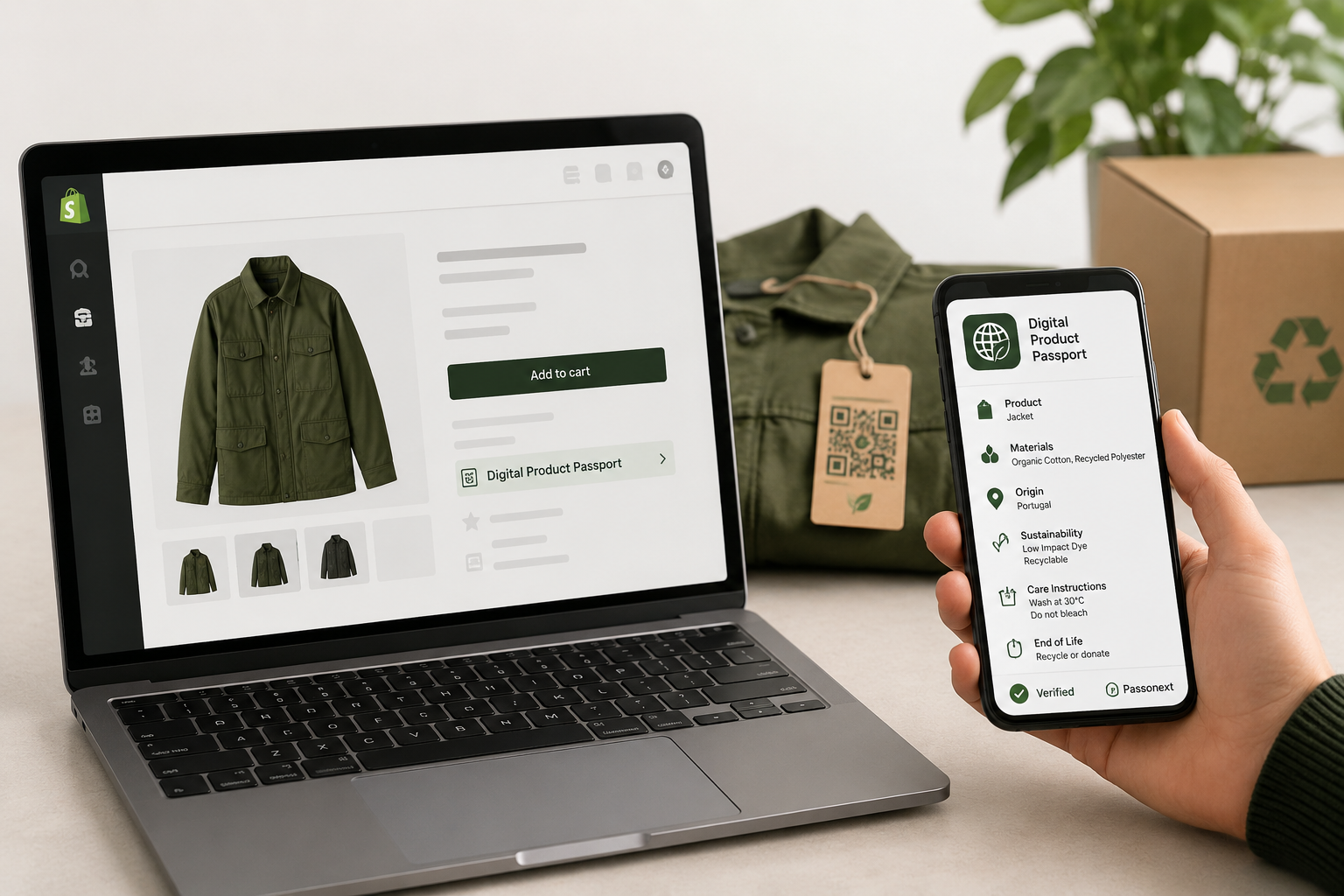
The idea of a Digital Product Passport (DPP) is quickly becoming important for online sellers, especially those serving customers in the EU. It helps brands share clear product information like materials, origin, sustainability, and lifecycle details in one place.
If you run a store on Shopify, creating and managing DPPs can feel complex. That’s where PassoNext makes things simple by offering a Shopify-native solution to generate DPPs directly from your store.
Why Shopify Stores Need Digital Product Passports?
If you’re a merchant using Shopify and selling physical products to customers in the European Union, Digital Product Passports (DPPs) are no longer optional—they are becoming a legal requirement under the Ecodesign for Sustainable Products Regulation.
DPPs are part of the EU’s push toward transparency, sustainability, and circular economy practices. For Shopify store owners, this means preparing early to stay compliant and competitive.
Key Deadline Alert
In 2027, Mandatory DPP requirements will begin for categories like Textiles & Fashion, Washing Appliances, and Furniture
If your store sells any of these products to EU customers, now is the right time to start preparing your data and systems.
The Shopify Advantage
Compared to traditional eCommerce platforms or custom-built systems, Shopify gives merchants a clear advantage when it comes to DPP compliance.
Native App Integration
Shopify apps like PassoNext integrate directly with your store’s product catalog, orders, and customer data. No API development or technical setup is required.
Centralized Product Data
Most of the required DPP data already exists in your Shopify store:
- Product titles and descriptions
- SKUs and barcodes
- Images and variants
This reduces manual work significantly.
Automated Workflows
Using Shopify Flow and automation features, you can:
- Trigger DPP creation when new products are added
- Update passports automatically when product data changes
Cost-Effective Compliance
App-based solutions like PassoNext cost far less than custom development, making compliance accessible for small and medium businesses.
DPP Requirements for Shopify Merchants
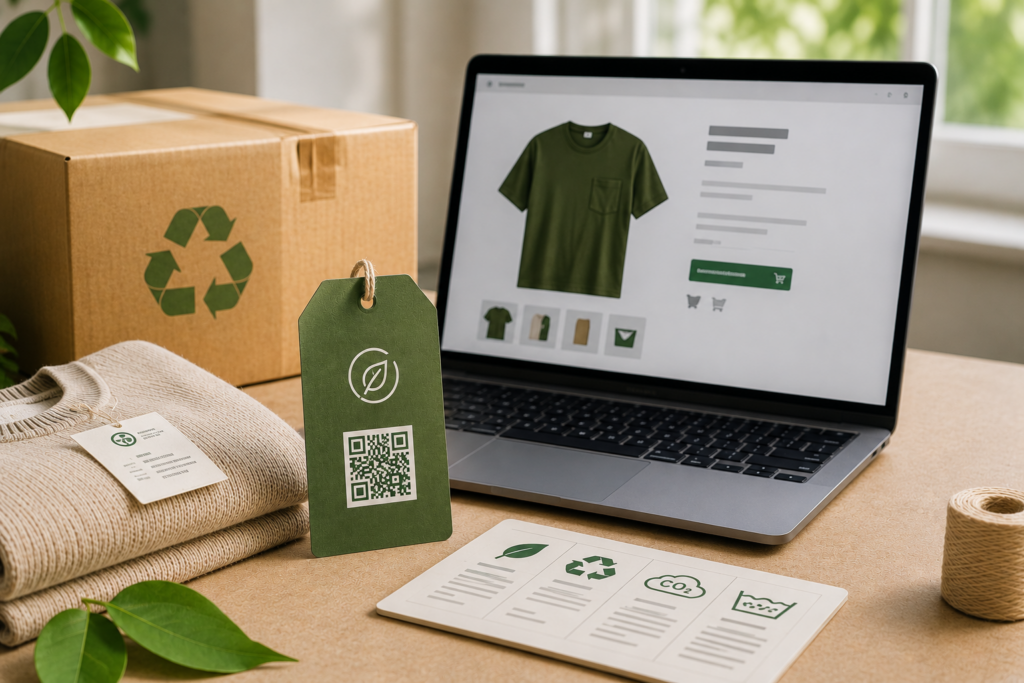
Your DPP responsibilities depend on your products and where you sell.
Who Must Comply?
- Sellers to EU customers – Any Shopify store shipping to the EU
- Manufacturers – Brands producing their own products
- Importers – Businesses importing goods into the EU
- Dropshippers – May need to coordinate with suppliers
Data Requirements
| Data Field | Shopify Source | Additional Input Needed |
| Product Identifier | SKU, Barcode | Usually complete |
| Product Name & Description | Title, Description | Usually complete |
| Material Composition | Tags, Metafields | May need a detailed breakdown |
| Country of Origin | Metafields | Often needs to be added |
| Carbon Footprint | Not available | Needs calculation |
| Recyclability | Not available | Needs assessment |
| Care Instructions | Description | May need formatting |
DPP Implementation Options for Shopify
There are multiple ways to implement DPPs, but not all are equally efficient.
1. Shopify App (Recommended – PassoNext)
Pros:
- Native Shopify integration
- No technical expertise required
- Automatic product sync
- Quick setup and deployment
- Affordable monthly pricing
Best For:
- Small to enterprise Shopify stores
- Businesses without development teams
- Fast compliance implementation
2. Custom Development
Pros:
- Full customization
- Flexible workflows
Cons:
- High development costs (€50,000+)
- Ongoing maintenance
- Longer setup time
3. Manual Process
Pros:
- No software cost
Cons:
- Time-consuming (2–4 hours per product)
- High risk of errors
- No scalability or automation
Setting Up PassoNext on Shopify
PassoNext is one of the easiest ways to implement Digital Product Passports on Shopify.
Before You Start
- Ensure your Shopify store has products listed
- Keep material and origin details ready (if available)
- Allocate around 30 minutes for setup
Installation Steps
- Visit the Shopify App Store and search for PassoNext
- Click Add App and approve permissions
- Complete onboarding setup
- Sync your product catalog (automatic and quick)
Step-by-Step: Creating Your First DPP
1. Select a Product
Choose a product from your dashboard that needs a Digital Product Passport.
2. Review Auto-Filled Data
PassoNext pulls product data automatically, including:
- SKU and identification details
- Basic product information
- Initial structured data
3. Add or Refine Data
- Confirm material details
- Add country of origin
- Include care and usage instructions
- Upload certifications if available
4. Generate the DPP
Click to generate a complete Digital Product Passport. This includes:
- A structured compliance-ready record
- A consumer-facing page
- A unique QR code
5. Preview and Publish
Check the final output and publish the passport for customer access.
Generating and Using QR Codes
Each Digital Product Passport includes a QR code that connects the physical product to its digital record.
Download Formats
- PNG – for digital use
- SVG – for high-quality printing
- PDF – for bulk printing
- Batch export – for large catalogs
Where to Place QR Codes
- Product packaging
- Labels or tags
- Packing slips
- Product pages
Automating DPP Generation
Automation is essential for scaling your DPP efforts.
Key Features
- Auto-sync new products
- Bulk DPP generation
- Template-based product passports
- Shopify Flow integration for triggers
Best Practices for Shopify DPP Implementation
- Start with best-selling products
- Focus on EU-bound inventory first
- Always verify product data
- Use Shopify metafields for structured data
- Inform customers about DPP availability
- Keep passports updated regularly
Final Thoughts
Digital Product Passports are becoming a standard requirement for selling in the European Union. For merchants using Shopify, tools like PassoNext make the process simple, scalable, and cost-effective.
Starting early ensures you stay compliant, reduce future risks, and build stronger trust with your customers.
Frequently Asked Questions
Do all product variants need separate DPPs?
Not always. Variants that only differ by color or size can usually share a single Digital Product Passport. However, if the material, components, or manufacturing process is different (for example, cotton vs polyester), separate DPPs are recommended to maintain accurate and compliant product information.
What if I don’t have sustainability data?
You can still get started using the product data already available in your store. Over time, you can improve your DPPs by collecting detailed information from suppliers, adding certifications, and refining material or environmental data as it becomes available.
Can dropshippers use DPPs?
Yes, dropshippers must also comply when selling to customers in the European Union. Since they rely on third-party suppliers, they need to coordinate with them to collect accurate product details such as materials, origin, and sustainability information.
Does it work with Shopify Markets?
Yes, DPP solutions work well with Shopify and Shopify Markets. You can manage compliance based on regions, apply DPPs specifically for EU customers, and customize how product information is shown in different markets.
What about existing inventory?
You don’t need to replace your current stock. Instead, you can add QR codes through packaging inserts, labels, or packing slips. For future inventory, you can include QR codes directly in product packaging to ensure full compliance.
How often should DPPs be updated?
Digital Product Passports should be updated whenever there are changes to your product, such as new suppliers, updated materials, or new certifications. Keeping them updated ensures compliance and maintains accurate information for customers.
Get ESPR-ready today
The 2027 deadlines are closer than they look. Start building your DPP infrastructure now — not six months before the deadline. PassoNext is free to install.
