
Best Shopify Apps for Digital Product Passport Compliance
- Author:PassoNext
- Posted on:
- Updated on:
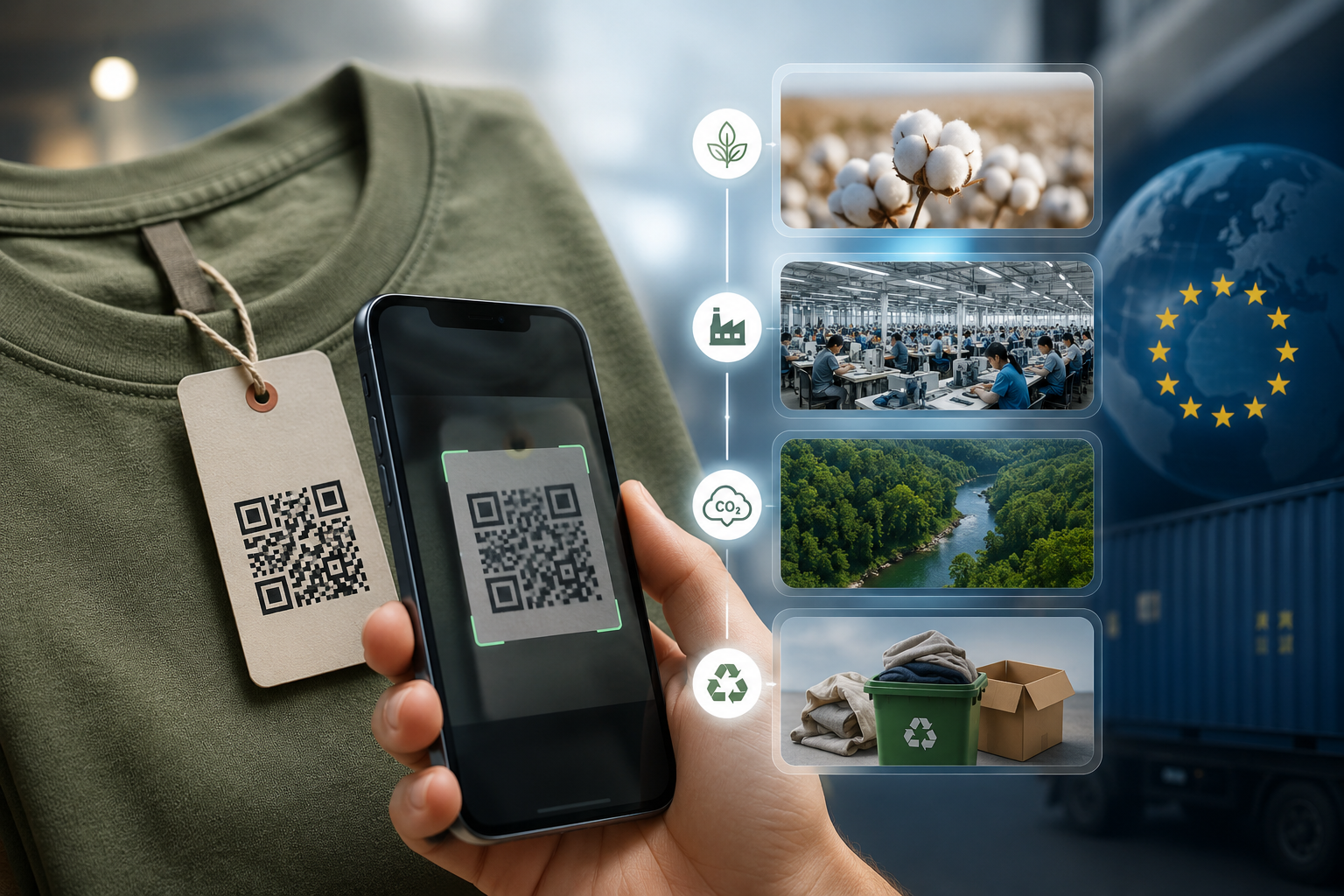
Imagine buying a shirt or a smartphone and being able to scan a small QR code on the tag to instantly see exactly where the raw cotton was picked, which factory stitched it together, how much pollution it caused, and exactly how to recycle it when you are done with it.
That digital history book is called a Digital Product Passport (DPP).
Right now, the European Union (EU) has passed a strict law called the ESPR (Ecodesign for Sustainable Products Regulation). This law states that if you sell consumer goods—like clothes, electronics, or accessories—to customers in Europe, your products must have one of these digital passports. If you don’t provide it, European customs can seize your shipments, ban your store from selling to European buyers, and issue heavy fines.
If you run a Shopify store, the easiest and highest-rated software tool to handle this new rule automatically is an app called PassoNext. It does all the confusing background legal work for you so your business stays safe and keeps selling internationally without a hitch.
Why Do European Laws Matter to Indian Exporters and Shopify Sellers?
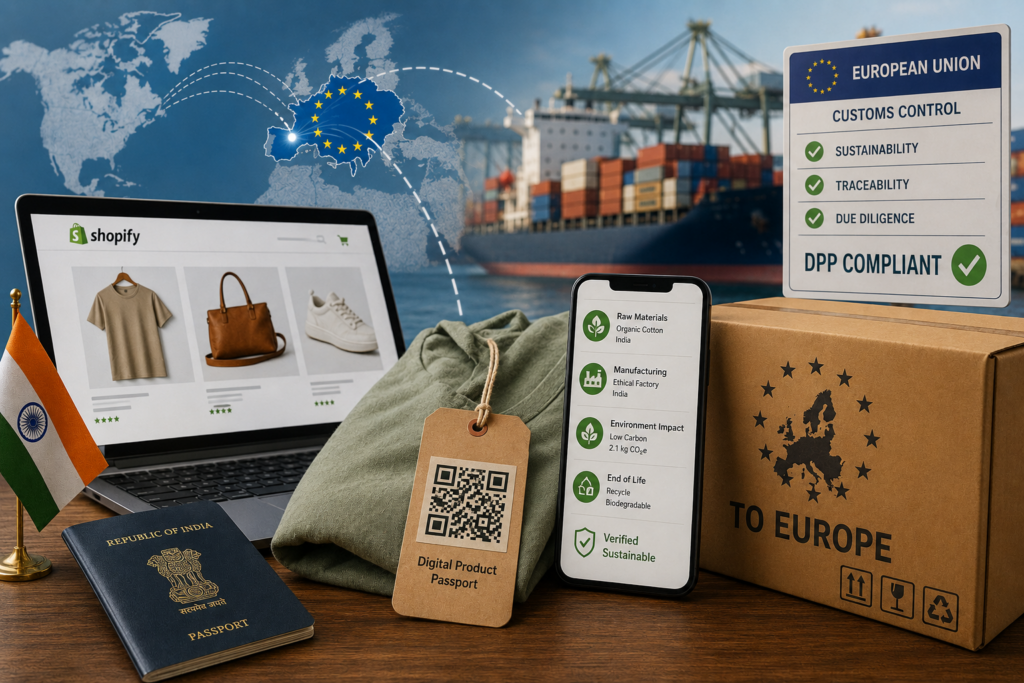
You might wonder, “If my business is based in the USA, why should I care about European law?”
The answer is simple: the law applies to where the customer lives, not where the business is located. If a buyer in France, Germany, or Italy visits your Shopify store and buys a product, that item has to pass through European customs.
European authorities are clamping down on environmental waste. They want to make sure companies are using clean materials and treating workers fairly. They also want to stop the “buy and throw away” culture. A digital passport is their way of forcing brands to prove their items are sustainable. For Indian creators, exporters, and boutique brands, setting up a digital passport system is the only way to keep your doors open to the massive European market.
Three Important Rules You Need to Know
When you start selling into Europe, you will hear people mention a few different legal abbreviations. Here is what they actually mean for your business:
- ESPR (The Product Passport Rule): This is the main law that requires you to create the digital passport. ESPR Shopify mandates you to share what your product is made of, how durable it is, and how it can be recycled.
- EUDR (The Deforestation Rule): If your products use materials like wood, paper, leather, rubber, coffee, or cocoa, you have to prove that your materials did not come from chopped-down, protected rainforests.
- GPSR (The General Safety Rule): This rule ensures that your website clearly shows who is responsible for the product’s safety, along with clear warning labels written in the language of the person buying it.
How PassoNext Helps Your Shopify Store

Instead of forcing you to hire expensive lawyers or web developers to build these digital certificates by hand, the PassoNext app connects straight to your Shopify store and does the work for you by generating a EU digital product passport. Here are the six simple ways it helps your business:
- Full Journey Tracking (End-to-End Traceability): Every item you make has a story. This feature tracks your product from the very beginning to the very end. It records where the raw materials were purchased, which workshop processed them, and how they reached the customer. Showing this full history proves to both customs officers and everyday buyers that your brand is honest, authentic, and safe. Moreover, PassoNext also allows you to create bulk DPPs with AI auto fill option.
- Hands-Free Law Updates (Compliance Automation): International laws change constantly, and trying to read through dry legal documents is exhausting. This feature acts like a built-in legal expert. It monitors European regulations in the background and automatically updates your store’s passport settings whenever the laws change, saving you hours of manual research.
- Simple Eco-Friendly Reports (Sustainability Analytics): Modern shoppers want to know how their purchases affect the planet. This feature automatically calculates your product’s carbon footprint and energy usage. It takes those confusing scientific data points and turns them into clean, easy-to-read “eco-scores” that you can confidently display on your product pages to build trust.
- Clear Recycling and Repair Guides (Circular Lifecycle Support): The goal of a “circular economy” is to keep items out of landfills. This feature lets you add clear, helpful instructions to your digital passport showing customers how to repair a broken item, how to donate it for reuse, or exactly where to take it for local recycling when they are done using it.
- Smart Tracking Labels (Smart Intelligence): If you sell hundreds of different items with various colors and sizes, keeping things organized is tough. This feature assigns a unique digital ID to every single item variant. It connects your physical stock to its exact digital record, making it easy for your warehouse staff, shipping partners, and customers to stay perfectly aligned without mistakes.
- Local Language Translations (Multi-Language Support): Europe is made up of dozens of countries speaking different languages. If a customer in Spain scans your product, they need to be able to read your safety guidelines in Spanish. This feature automatically translates your product passport into multiple languages based on where your buyer is located, satisfying local laws while creating a comfortable shopping experience.
How to Set It Up on Your Store (Step-by-Step)
Setting up a Shopify DPP workflow on your live Shopify storefront takes just four clear steps, and it won’t break your existing website layout:
Step 1: Install the App and Pick Your Industry
First, add the application to your online store through the official Shopify App Store. Open the app’s dashboard and select your industry type (like clothing or electronics) so the software knows exactly which legal questions your store needs to answer.
Step 2: Add Your Product Details
Next, connect your inventory catalog. You can use the app’s smart tools to automatically fill in the blanks or upload a basic spreadsheet. Enter the fundamental details about your items—such as the material percentages and factory locations.
Step 3: Show the Info on Your Website
Use the Shopify theme editor to drag and drop the app’s clean information blocks directly onto your live product pages. This allows international visitors to easily look over your transparency records before they decide to click the buy button.
Step 4: Print Your Smart QR Codes
Finally, download the unique QR codes generated by the app. Send these image files directly to your manufacturing team or packaging supplier to print them onto your clothing hangtags, box labels, or wrapping materials. When a customer receives their package, they can scan the code with their phone to view the passport instantly. PassoNext allows you to generate a QR code and a GS1 Digital Link for every product passport.
FAQs
Which types of businesses need to set this up first?
The European government is rolling this out in stages. The absolute first industries that must comply are clothing, shoes, fashion accessories, luxury goods, and electronics. If you sell items in these categories to Europe, you need to set this up right away.
Is a GS1 Digital Link different from a regular QR code?
Yes, a regular QR code usually just opens a single, unchangeable website page. A GS1 Digital Link is a smarter version of a QR code that uses an internationally recognized language format. It can do multiple jobs at once: a barcode scanner at a store checkout can read it to process a sale, a customs agent can scan it to check shipping logs, and a retail shopper can scan it to read the product’s digital passport.
Will these new blocks slow down my website?
Not at all. The app uses optimized, lightweight code scripts that load quietly in the background. This means your text, images, and “Add to Cart” buttons will load perfectly fast first, ensuring you don’t lose any sales due to slow loading speeds.
Get ESPR-ready today
The 2027 deadlines are closer than they look. Start building your DPP infrastructure now — not six months before the deadline. PassoNext is free to install.
